Register with bdeasy and Jump Into the Lobby
Creating your bdeasy account takes a few quick steps — enter your details, verify your number, and your wallet is ready to connect via bKash, Nagad or Rocket. Access depends on local law and eligible regions in Bangladesh.
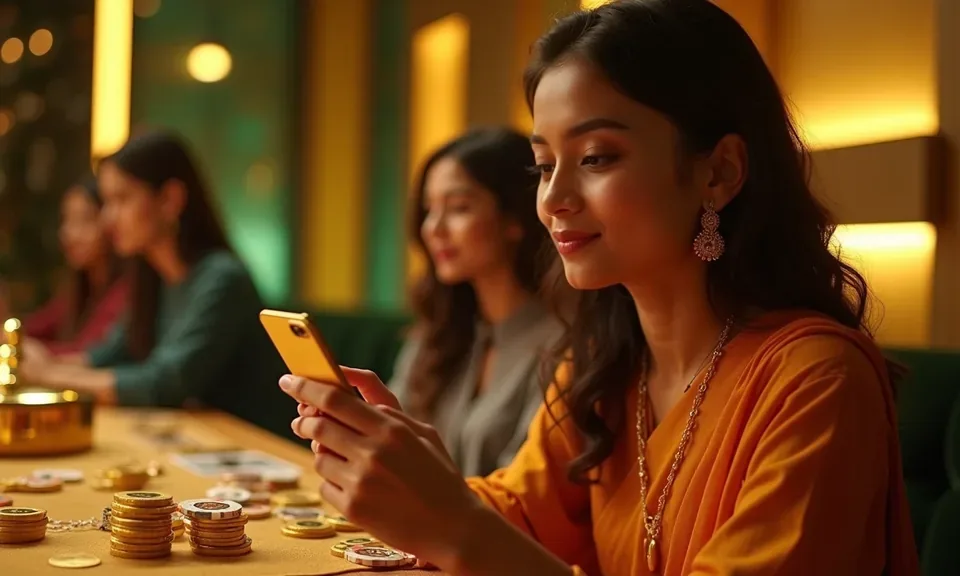
How We Protect Your Account
Every account on bdeasy is protected at multiple levels — from the moment you submit the registration form to every login session after. We use SSL encryption on all data in transit so your personal details and payment information are not exposed. OTP verification at registration and withdrawal ensures no one else can access your funds. We do not store your bKash or Nagad PIN — those stay inside your own wallet app. If you believe your account has been accessed without permission, contact support immediately to lock it.
SSL Encryption
All data you submit — registration form, wallet details, ID documents — travels over SSL-encrypted connections that block interception.
OTP Access Control
Login and withdrawal actions require OTP confirmation to your registered mobile. If you did not request it, deny it and contact support straight away.
Identity Verification
We verify your national ID before processing withdrawals. This step confirms that withdrawals only go to the account holder — no exceptions.
Data Protection
Your personal information is stored per our privacy policy. We do not share your data with third parties outside of payment processing and compliance requirements.
Get Help With Your Account
Stuck on a registration step or not receiving your OTP? Our support team handles account queries via live chat and email. For wallet-related questions — like confirming a bKash transfer or linking Nagad for the first time — the live chat option connects you to an agent who can check your transaction status directly. Email suits detailed ID verification queries where you may need to attach documents.
Live Chat
Access live chat from the account page or the lobby footer. Agents handle OTP issues, form errors and wallet connection questions in real time.
Email Support
Send your query — including ID verification documents — to our support address. Email is the right channel for anything that needs an attachment.
Help Centre
The Help Centre covers common registration questions: what ID is accepted, how to re-send an OTP, and how to update your registered mobile number.
Connect Your Local Payment Method
After registering, head to the deposit section and choose your preferred wallet. Open your bKash, Nagad or Rocket app, send to the account number shown on screen, and confirm with your PIN. The transaction reference appears in your bdeasy wallet once the payment clears. Rocket works well for players who prefer a bank-linked route, while bKash and Nagad suit a quicker mobile-to-mobile flow. Upay and standard Bank Transfer are also available for supported accounts.
What to Expect When You Register
Fill in your name, mobile number and a secure password on the registration form. We send a one-time PIN to your mobile — enter it to confirm ownership. Once confirmed, your account dashboard opens and you can link a local wallet straight away. Identity verification may be required before your first withdrawal; you will be
prompted to submit a copy of your national ID at that point. Keep your login credentials private and do not share your OTP with anyone, including support. If you run into any issue during the form, our support team can walk you through the steps via live chat or email.
-
OTP Verification A one-time PIN sent to your registered mobile confirms it is really you opening the account — no step skipped.
-
Identity Check Before Withdrawal We ask for your national ID before your first withdrawal is processed. This keeps your account and funds under your control.
-
Instant Lobby Access After OTP confirmation, the full lobby — including Crash Thunder, Baccarat Night Room and live sportsbook — is available to explore.
-
Secure Password Policy Pick a password you do not use elsewhere. Account security is your first line of protection; our system flags weak entries at the form.
Account
Fill in your name, mobile number and a secure password on the registration form. We send a one-time PIN to your mobile — enter it to confirm ownership. Once confirmed, your account dashboard opens and you can link a local wallet straight away. Identity verification may be required before your first withdrawal; you will be prompted to submit a copy of your national ID at that point. Keep your login credentials private and do not share your OTP with anyone, including support. If you run into any issue during the form, our support team can walk you through the steps via live chat or email.
Explore the LobbyYour details are encrypted for secure account access.
Registration Questions We Hear Most
Below are the questions that come up most often when you are opening a new bdeasy account. If your question is not here, live chat or the Help Centre will have the answer.
Register
Service availability depends on eligible regions and local law. Users should check local rules before opening an account.
Access may be available only where local law permits.